
Our Work Experience
These strong relationship enhance our ability to understand an anticipate client’s need


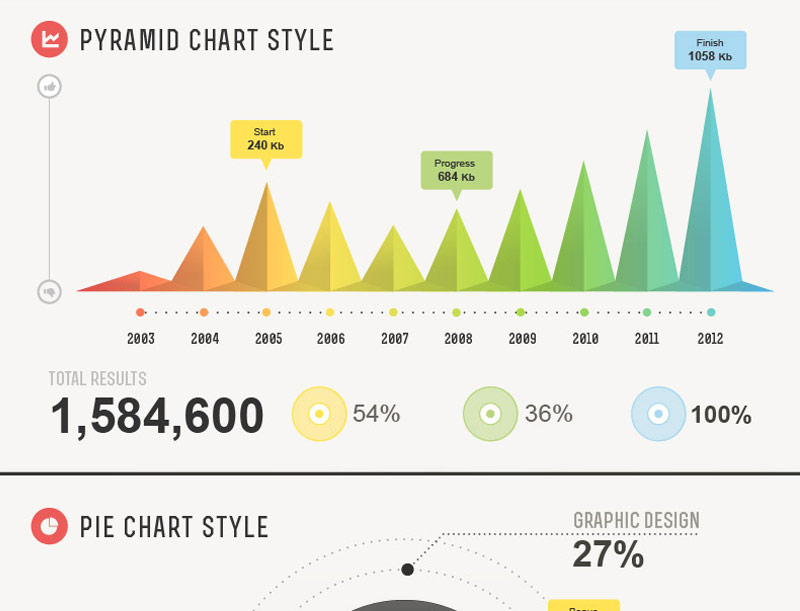

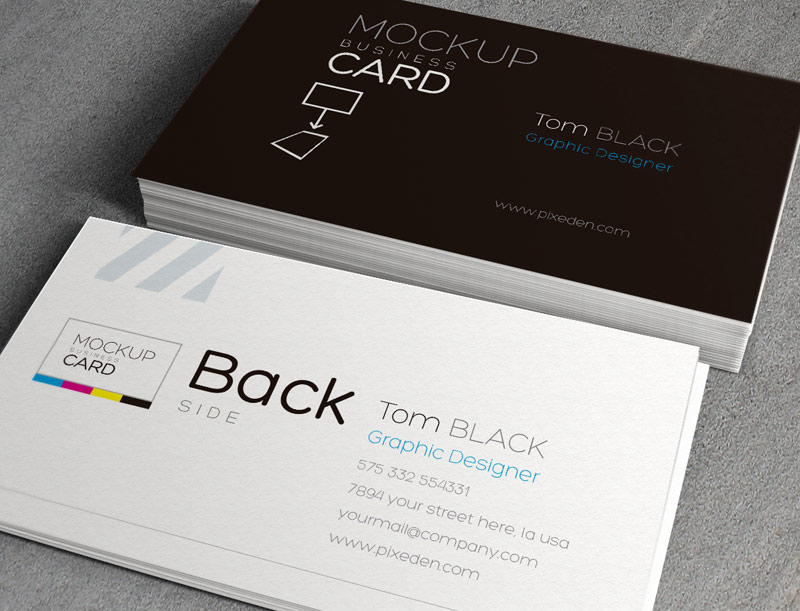
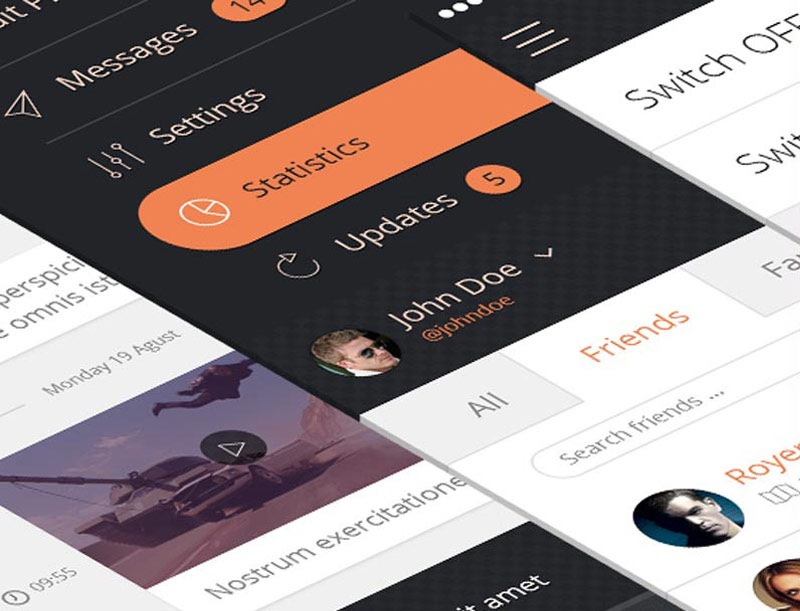


Example of code used above. It is a combination of Info Slide CSS and Multibox. You can actually use any of the info slide styles below just be sure to wrap with the 2 pages DIVs which are "pages_portfolio three" and if you want padding between each image the "pages_padding" DIV. Notice on the first DIV there is a "three". You can enter one, two, three, four, five and six depending on how many portfolio items you want on one row (Be sure to keep that space before the three too):
<div class="pages_portfolio three">
<div class="pages_padding">
<div class="s5_is_css_7">
<div class="s5_is_css_wrap_7">
<div class="s5_is_css_hidden">
<a class="button darkcolor s5mb" id="mb1" title="A4 Paper Project" href="http://www.shape5.com/demo/images/general/portfolio/image5.jpg" rel="[me]">Zoom Image</a>
<a class="button">View Project</a>
</div>
</div>
<img src="http://www.shape5.com/demo/images/general/portfolio/image5.jpg" alt="image"/>
<div class="s5_is_slide_css"></div>
<div class="s5_is_slide_7_css">
<div class="s5_is_slide_padding">
<h3>Example Slide</h3>
This is dummy text. You can add any text or html markup here.
</div>
</div>
</div>
</div>
</div>
<div class="pages_portfolio three">
<div class="pages_padding">
<div class="s5_is_css_7">
<div class="s5_is_css_wrap_7">
<div class="s5_is_css_hidden">
<a class="button darkcolor s5mb" id="mb1" title="A4 Paper Project" href="http://www.shape5.com/demo/images/general/portfolio/image5.jpg" rel="[me]">Zoom Image</a>
<a class="button">View Project</a>
</div>
</div>
<img src="http://www.shape5.com/demo/images/general/portfolio/image5.jpg" alt="image"/>
<div class="s5_is_slide_css"></div>
<div class="s5_is_slide_7_css">
<div class="s5_is_slide_padding">
<h3>Example Slide</h3>
This is dummy text. You can add any text or html markup here.
</div>
</div>
</div>
</div>
</div>

